

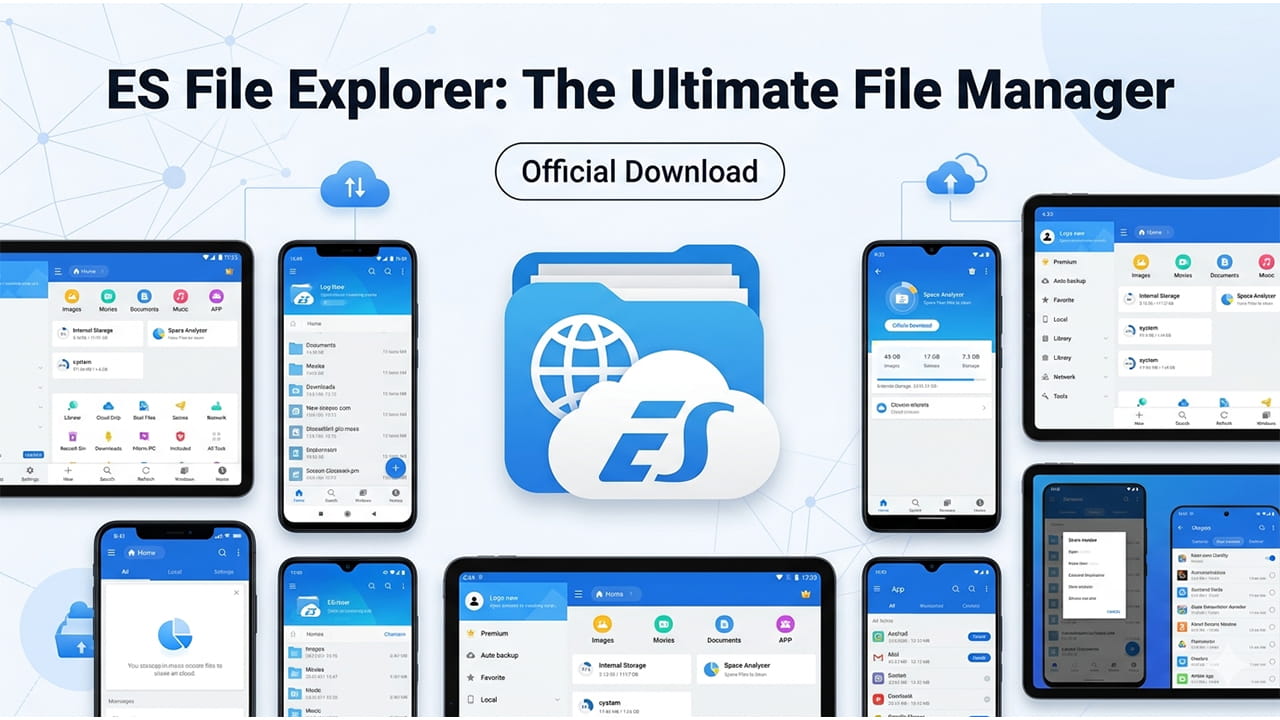
ES File Explorer has played an important role in Android file management for many years. Many Android phones include a basic file manager. However, those tools often handle only simple folder browsing. This application gives much deeper control over files and storage. As a result, many Android users still rely on it daily.
First, the app helps manage photos, videos, music, and documents in one place. In addition, it supports advanced tools that normal system apps usually lack. Because of this, users can handle both simple and complex file tasks easily.
Also, the design focuses on practical use rather than decoration. Clear menus help users move files, rename folders, and manage storage quickly. Therefore, many people still consider ES File Explorer a reliable solution for serious file control on Android devices.
Smart File Organization
One strong feature of ES File Explorer is its smart file organization system. Instead of opening many folders, users can browse files by type. For example, the app groups images, music, videos, and documents into clear categories.
Because of this system, finding a specific file becomes faster. A photo library shows all images at once. Likewise, the music section lists audio files without searching through many folders.
In addition, the app allows batch actions. Users can select many files and move or delete them together. This saves time during large cleanups. Furthermore, sorting tools help arrange files by size, date, or name.
As a result, file management becomes easier for everyday users. Even large storage libraries remain organized when ES File Explorer manages the structure.
Cloud and Local Storage Management
Modern users often store files across many platforms. Phones hold some files, while cloud services hold others. Because of this change, file managers must support cloud storage.
Here, ES File Explorer provides helpful integration tools. Users can connect services such as Google Drive, Dropbox, and OneDrive. After connecting accounts, the app shows cloud files beside local storage.
Therefore, moving data between locations becomes simple. A document can move from a phone folder to cloud storage quickly. Likewise, cloud images can download to the device without opening other apps.
Also, this system reduces the need for several separate cloud applications. Fewer apps often mean lower memory usage and better battery life. For that reason, many people prefer managing all storage through ES File Explorer.
Built-in File Viewing Tools
Another useful feature appears in the built-in viewing tools. Many file managers require external apps to open files. However, ES File Explorer includes several internal viewers.
For example, the app can display text files directly. Music and video playback also work inside the interface. Because of this, users do not need to switch between many applications.
In addition, quick preview options help users check files before sharing them. This saves time during daily tasks. A document can open, read, and close within seconds.
Furthermore, this design creates a smoother workflow. Users stay inside one environment while browsing and editing files. Therefore, ES File Explorer acts as both a file manager and a basic media viewer.
Advanced Access for Experienced Users
Some Android users want deeper control over their devices. Developers and advanced users often need access to system folders. In such cases, ES File Explorer provides powerful access tools.
One example is the Root Explorer function. This tool works on rooted devices and unlocks deeper system directories. Users can view application data and modify configuration files.
Because of this ability, developers can test changes directly on the device. Likewise, advanced users can back up important app data.
However, system editing always requires caution. Wrong changes can damage system functions. Therefore, only experienced users should use root tools. When used carefully, ES File Explorer offers valuable access to deeper Android systems.
Network and Wireless File Transfer
File sharing between devices remains important today. Phones often exchange files with computers or home networks. Fortunately, ES File Explorer includes several network tools.
First, the FTP feature allows wireless file transfer. After enabling the option, the phone generates an IP address. Users then enter that address in a computer browser.
As a result, files move between the phone and computer without a cable. This process works quickly on the same Wi-Fi network.
In addition, LAN and SMB support allow access to shared network folders. Media files stored on a home computer can stream directly to the phone. Because of these features, ES File Explorer works well in home media setups.
Storage Cleanup and Space Analysis
Phone storage fills quickly with photos, downloads, and leftover data. Many users struggle to find which files consume the most space. Therefore, storage analysis tools become very helpful.
The SD Card Analyst inside ES File Explorer scans the entire storage system. After scanning, the tool displays file sizes and folder usage clearly. Large files appear immediately on the chart.
Because of this visual display, users quickly locate unnecessary files. Old downloads and duplicate folders become easy targets for cleanup.
Also, removing junk files often restores several gigabytes of space. This improves device performance and reduces clutter. Therefore, ES File Explorer helps maintain a cleaner storage system.
Security and Private File Protection
File privacy matters to many users. Phones store personal photos, documents, and financial information. For that reason, security features play an important role.
ES File Explorer includes file protection options through its lock system. Users can hide or lock sensitive files inside protected folders. Only authorized access unlocks them.
In addition, updated encryption systems protect private data more effectively. These security improvements help protect files from unwanted access.
When searching for an ES File Explorer Download, using the official source remains important. Verified versions reduce malware risks and ensure compatibility with modern Android versions.
Because of these protections, the application remains a safer option for managing personal data.
Why Many Users Still Choose It
Many new file managers appear every year. Some focus heavily on visual design. However, many users still value practical features more.
ES File Explorer continues to deliver strong file management tools. The app supports compressed archives such as ZIP and RAR files. Users can open, create, and extract these files directly.
Also, encrypted archives work inside the manager without extra plugins. This helps professionals who often share compressed data.
Furthermore, network streaming features help media lovers. A phone can stream high-definition video from a computer or network storage device. Because of these abilities, this still satisfies both casual users and advanced users.
Conclusion
ES File Explorer remains a powerful file management solution for Android devices. It combines simple browsing with advanced technical features. Because of this balance, the application serves many types of users.
The tool organizes files clearly and connects to cloud storage easily. In addition, network transfer options simplify sharing between devices. Built-in viewers also reduce the need for extra applications.
Storage analysis tools help free valuable space on crowded phones. Security features protect private files and sensitive documents.
Therefore, ES File Explorer continues to support effective digital organization. With proper installation from a trusted ES File Explorer Download source, users gain strong control over their Android storage system.